REYKJAVIK SETUP
Here you will find detailed information on ways to connect
with your Reykjavik and experience your music to the fullest.
BUTTONS & INDICATORS
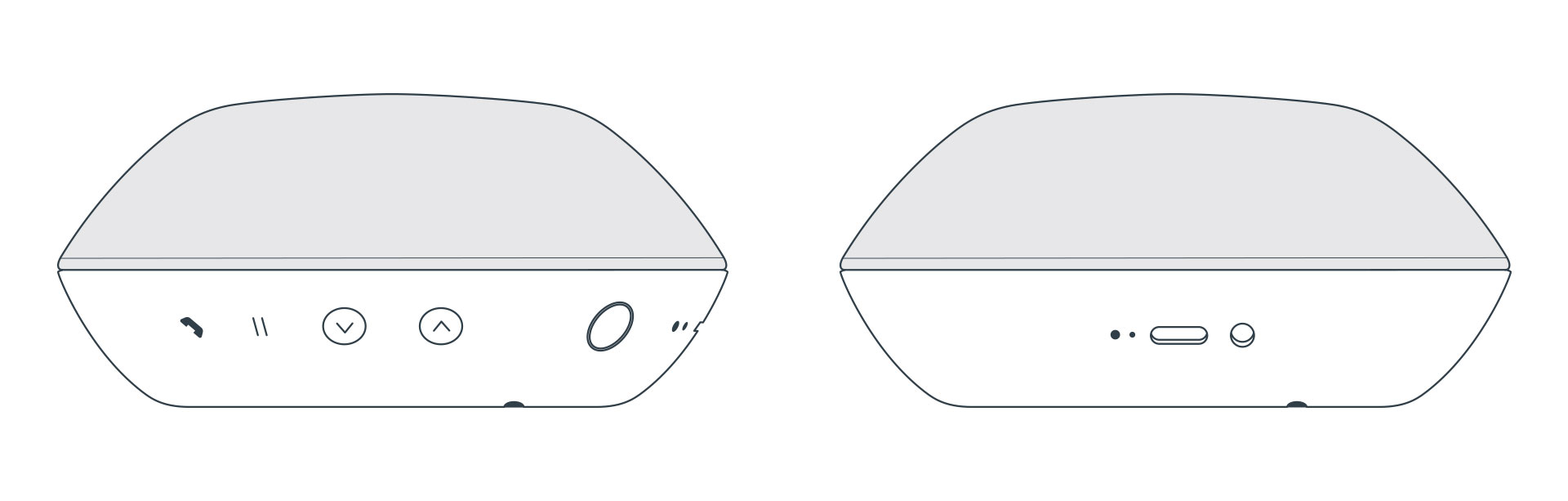

ANSWER /
TERMINATE
CALL

MUTE / PAUSE

VOLUME
DOWN /
UP
MODE BUTTON &
STATUS
INDICATOR

RESET

BATTERY
INDICATOR
USB-C CHARGE
SOCKET

AUX ANALOG
INPUT

LINK BUTTON
CONNECTING WITH BLUETOOTH

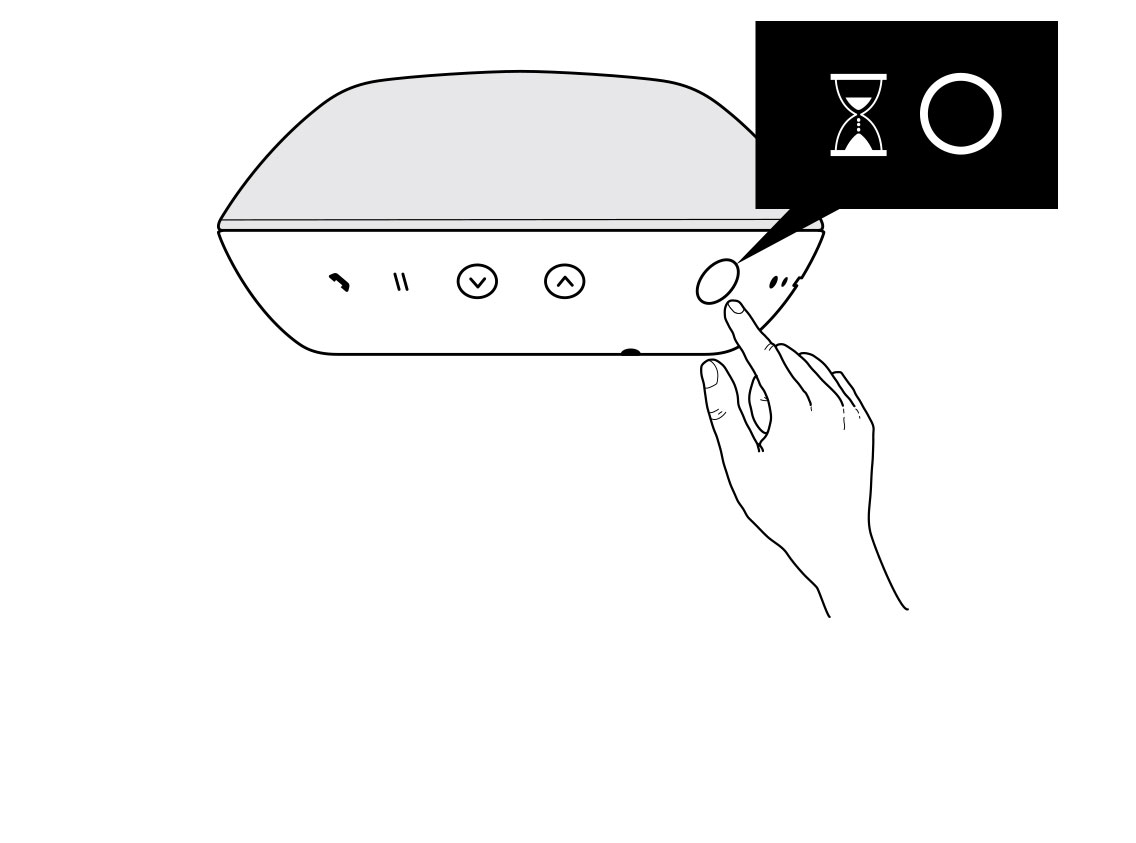
To turn Reykjavik on, press and hold the MODE button until status indicator turns solid WHITE.

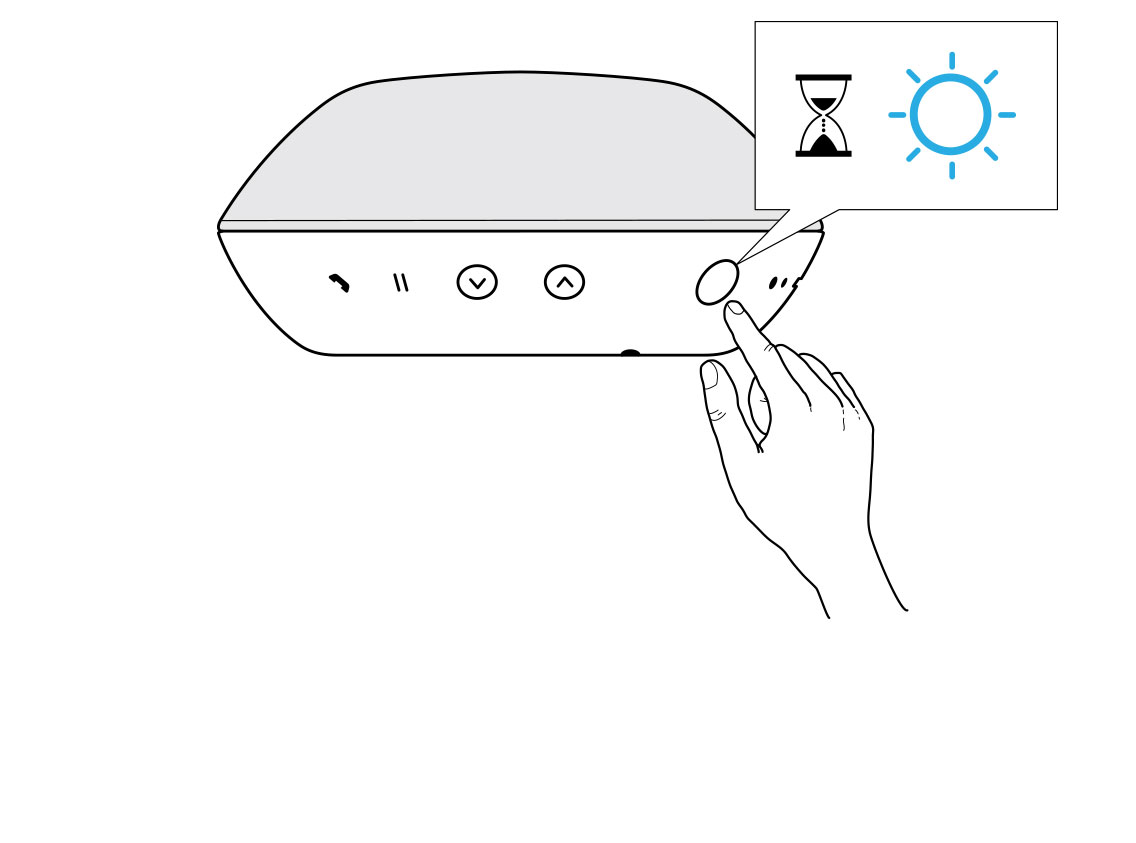
Press and hold the MODE button until status indicator flashes BLUE.

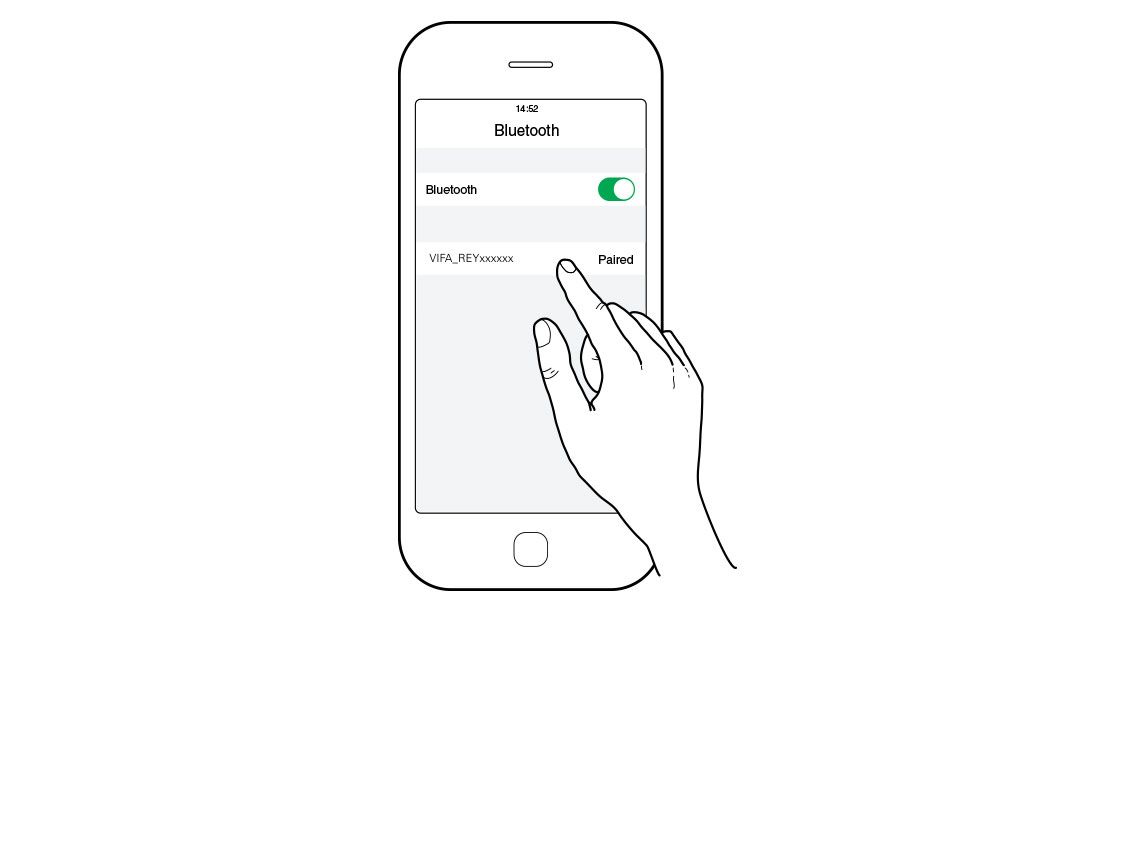
Enable Bluetooth pairing on your device and select VIFA_REYxxxxxx as your Bluetooth device.

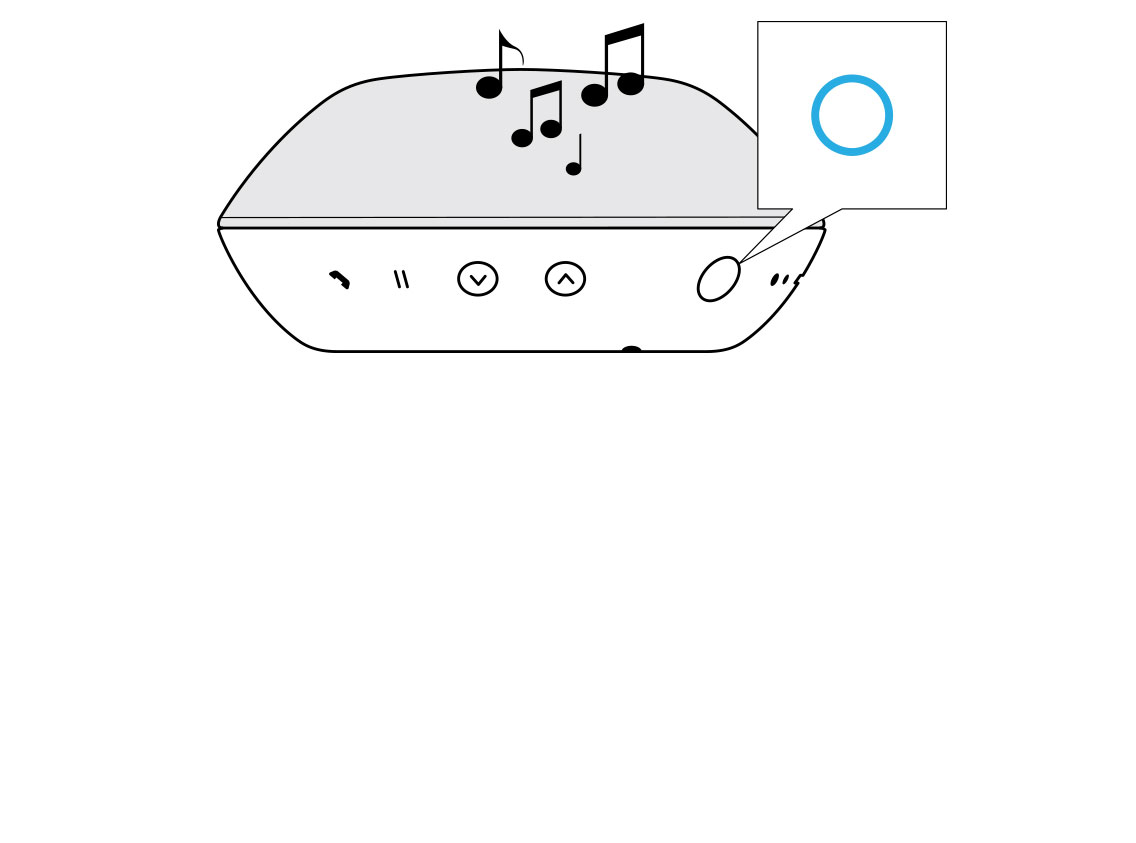
The status indicator turns solid BLUE when a connection is established.
WIRED CONNECTION
To turn Reykjavik on, press and hold the MODE button until status indicator turns solid WHITE.
Connect the wire, (a) USB-C or (b) AUX and start music playback from your device.
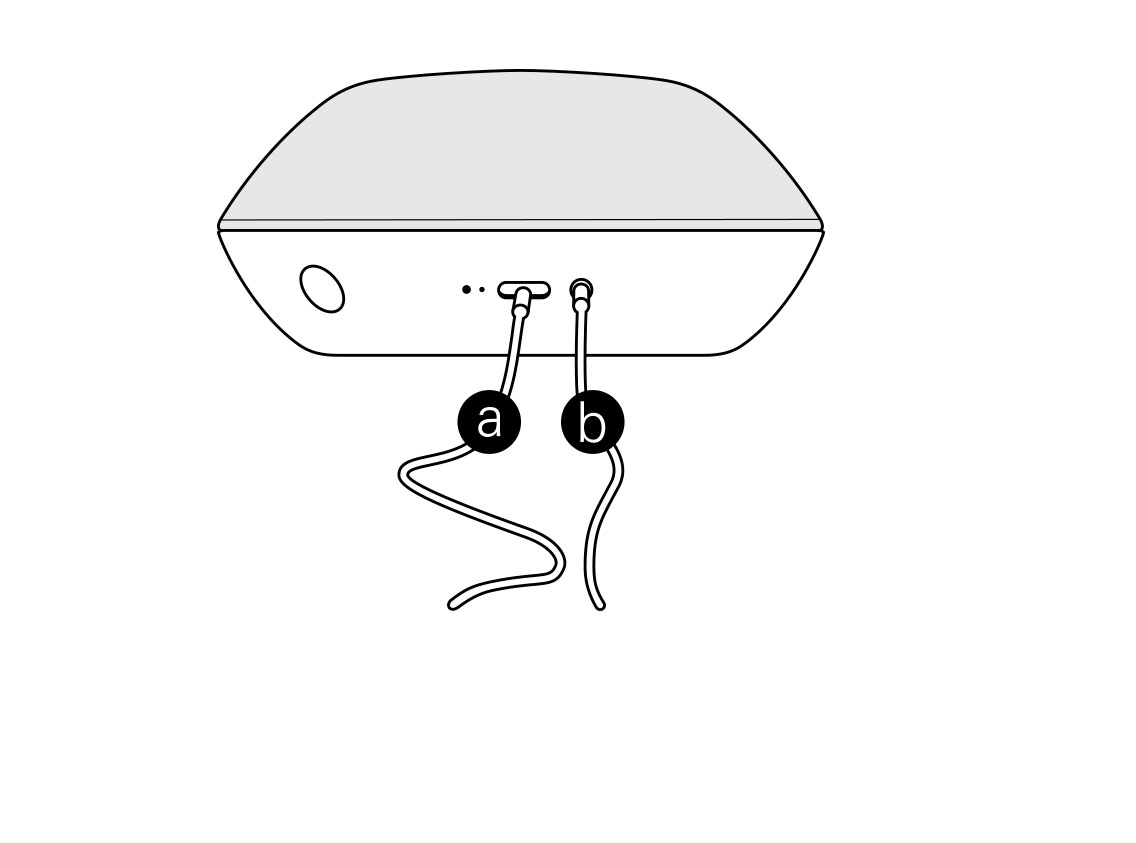
The status indicator turns solid GREEN when wired playback is enabled.
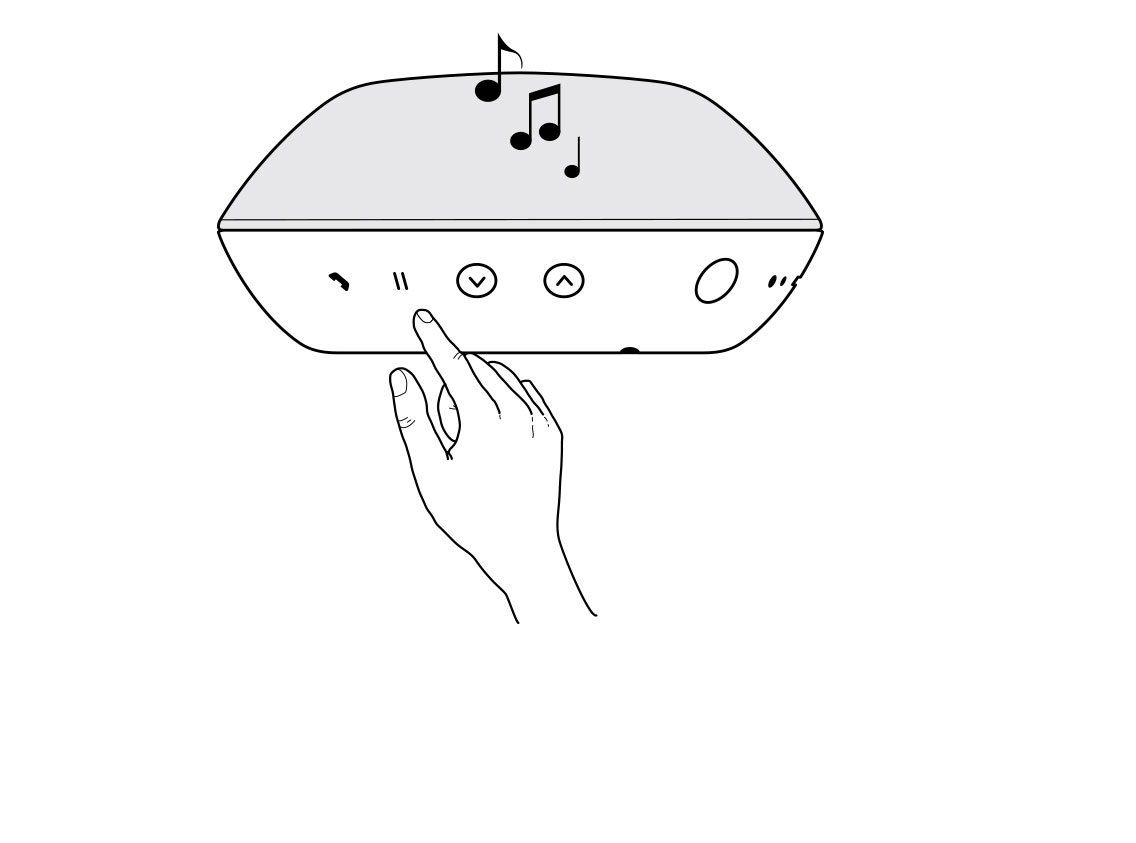
During music streaming, press the Mute/Pause button to Mute/Unmute music.